For iPhone and iPad
Record every channel of your mixer on your iPhone or iPad.
Plug in a Behringer X Air XR18 or MR18, press record, and get one 24-bit WAV file per channel, named after what's on it and ready for your DAW. No recording laptop at the gig.
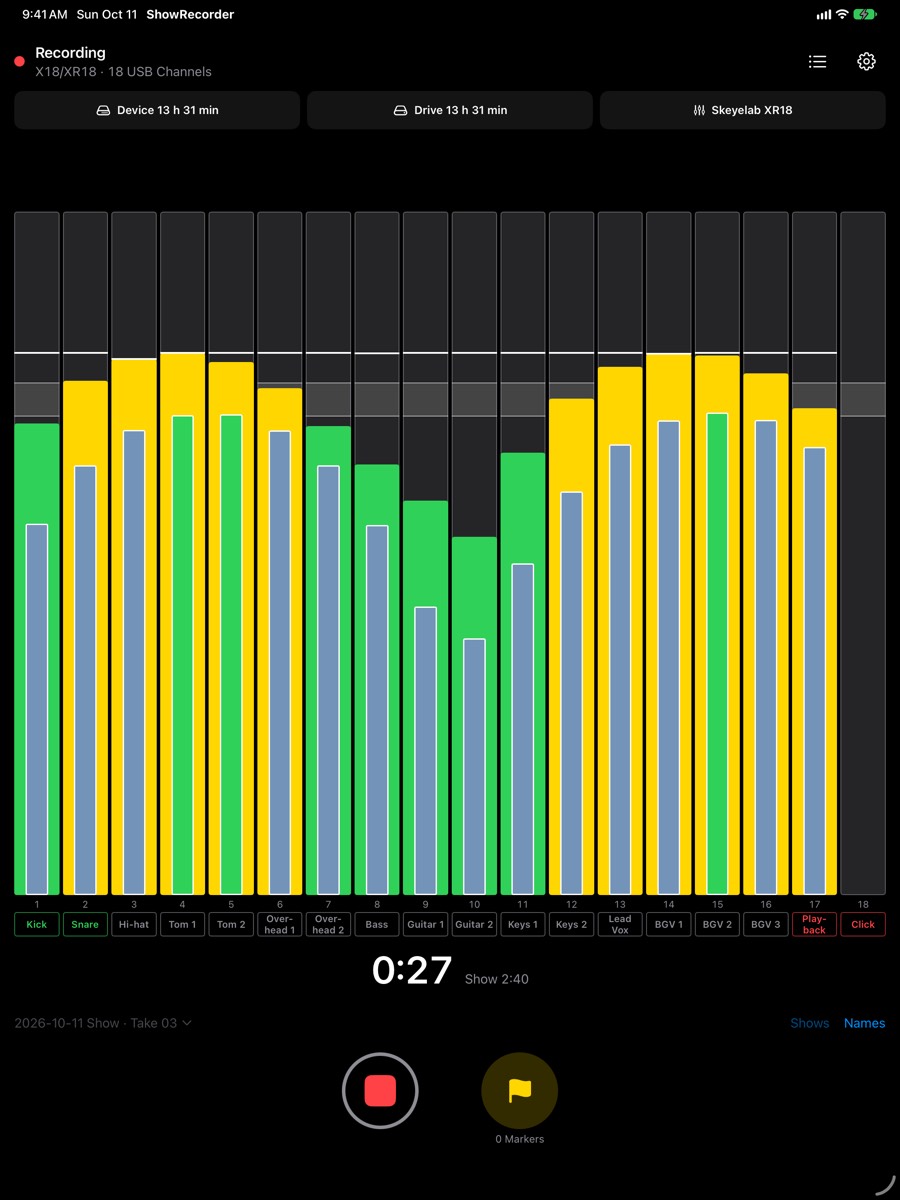
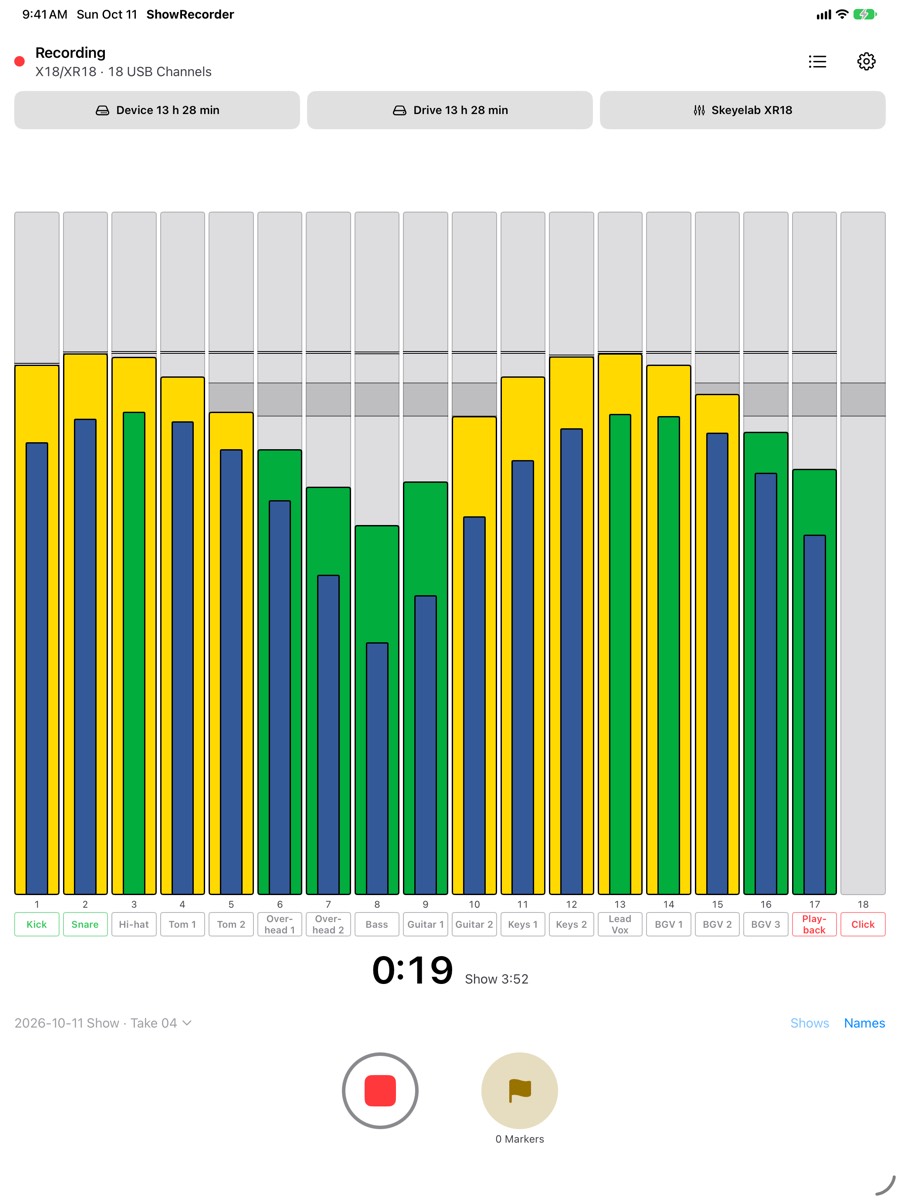
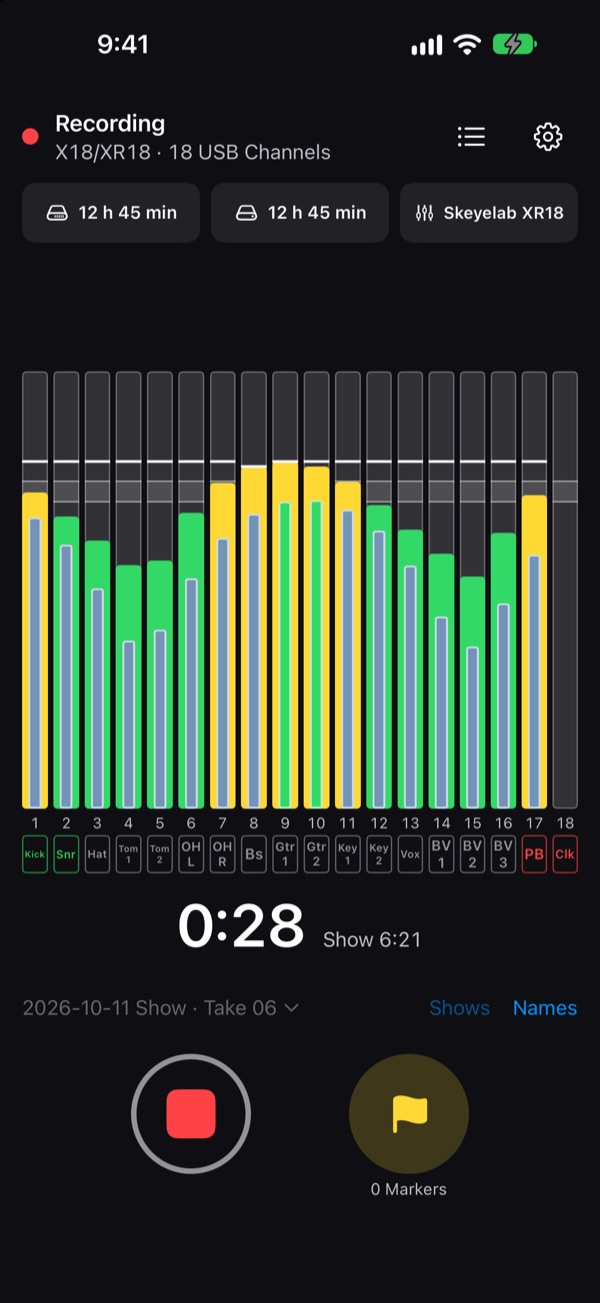
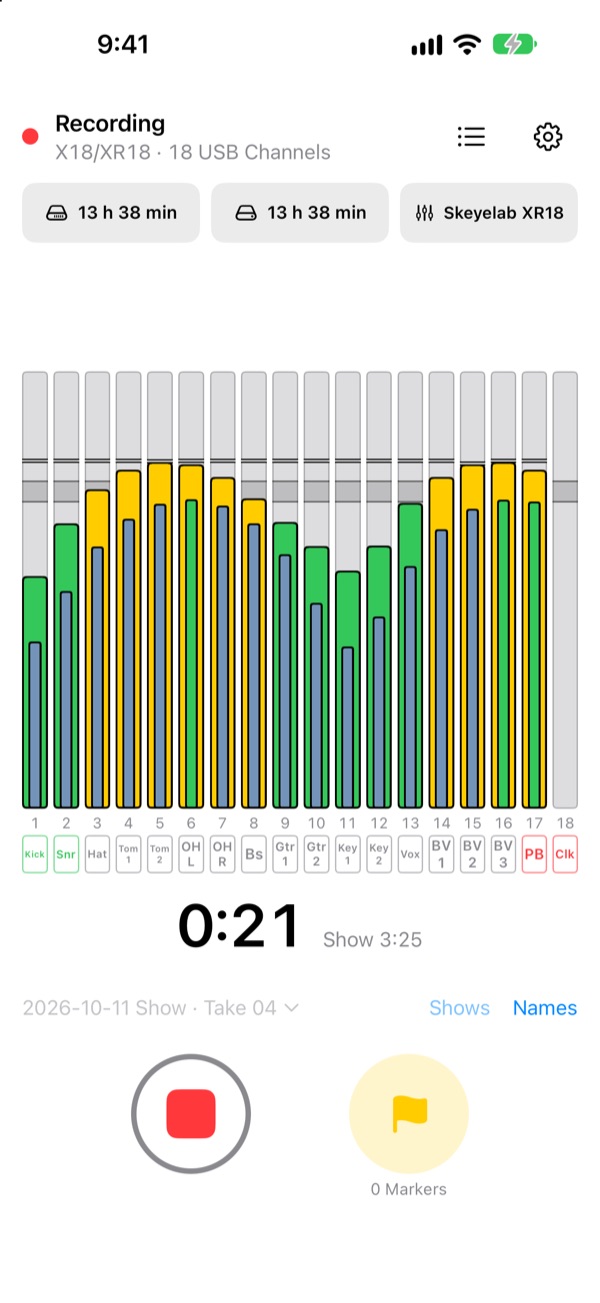
Every channel, its own file
ShowRecorder turns the USB audio from your mixer into one file per channel, written as you play, with nothing to set up on a laptop.
One file per channel
One 24-bit Broadcast WAV per USB Channel, at the mixer's 48 kHz or up to 96 kHz on interfaces that offer it. An 18-channel mixer gives you 18 Stems in step with each other.
Named from your mixer
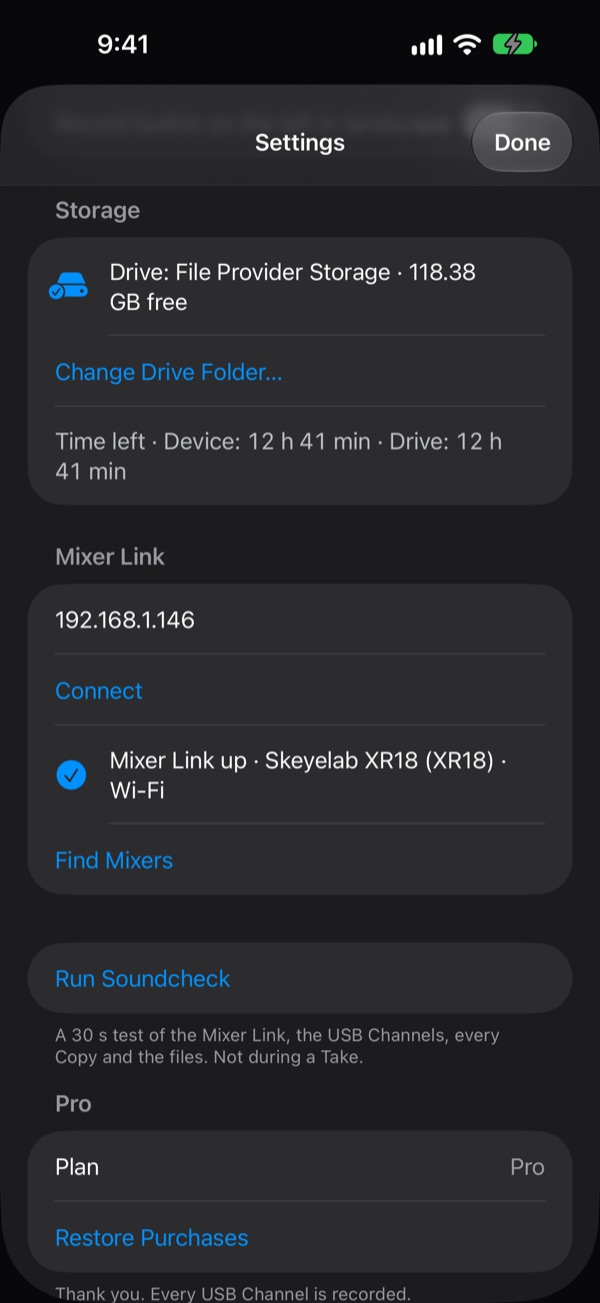
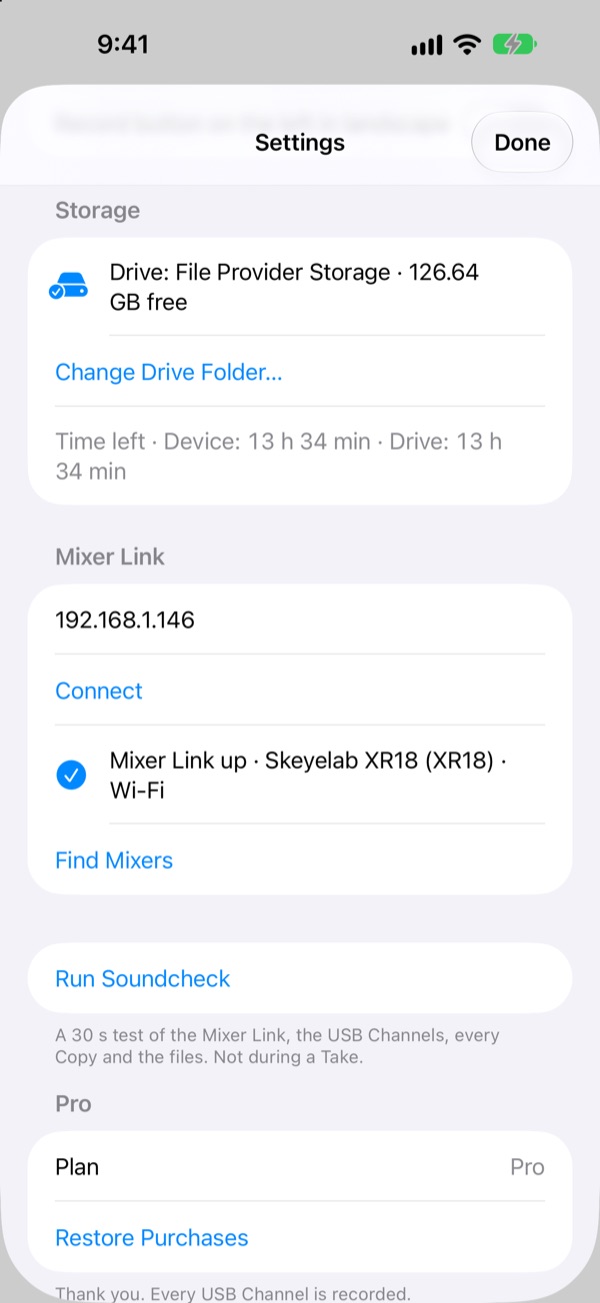
On the mixer's Wi-Fi, ShowRecorder reads your channel names and colors, so channel 3 arrives as “03 Snare.wav”, not “USB 03”. Find Mixers locates the mixer on the network; there is no IP address to type.
A second copy as you record
Add a USB drive and every Take is written to the Device and the Drive at once. If the Drive drops out, the missing part is filled back in from the other Copy after the Take.
Nothing lost to a crash
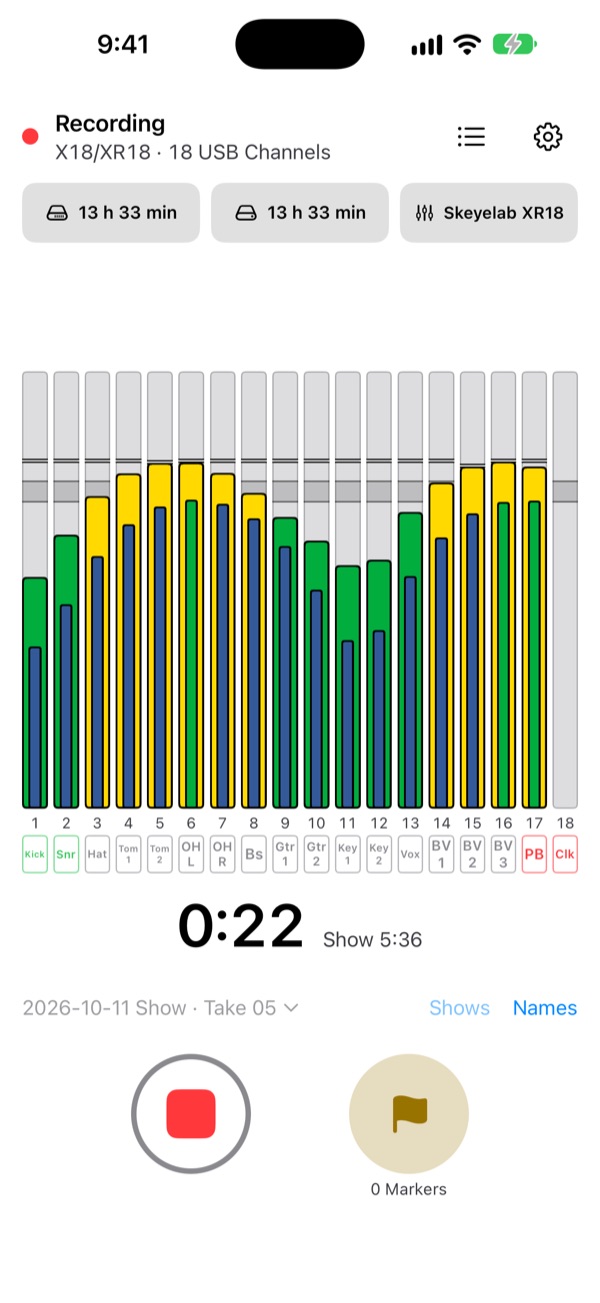
Files are saved every 2 seconds. If the app is closed mid-Take, it finishes that Take the next time it opens. A phone call or another app taking the audio leaves silence of the exact length, marked, so every file stays in sync with your video.
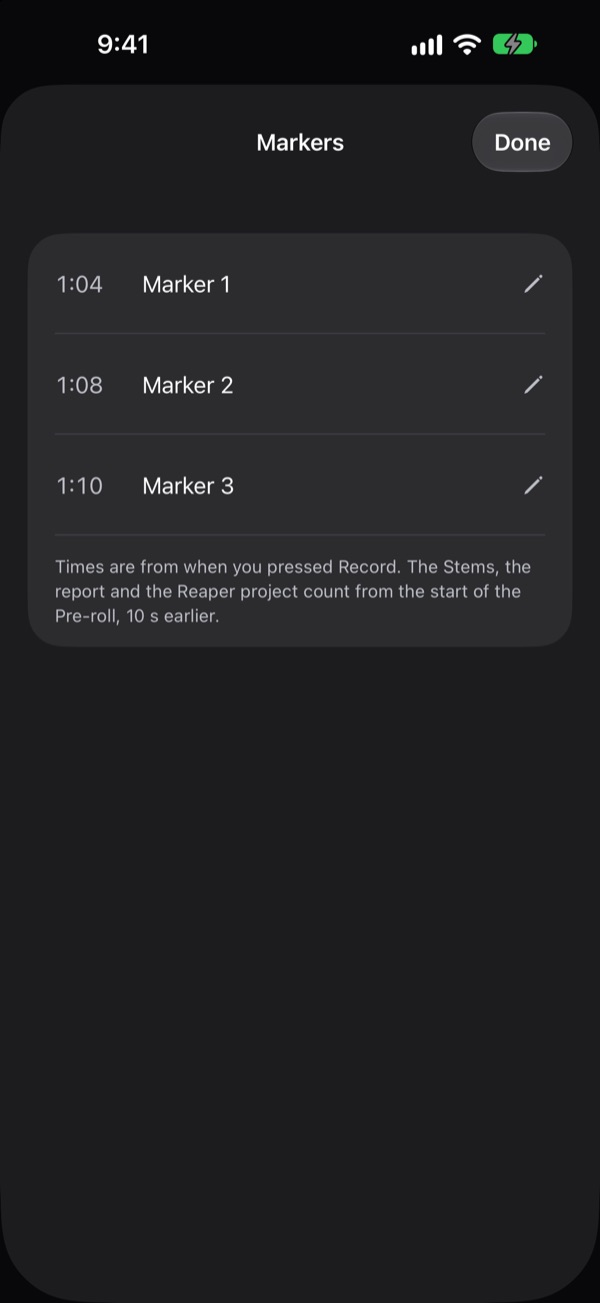
Pre-roll and Markers
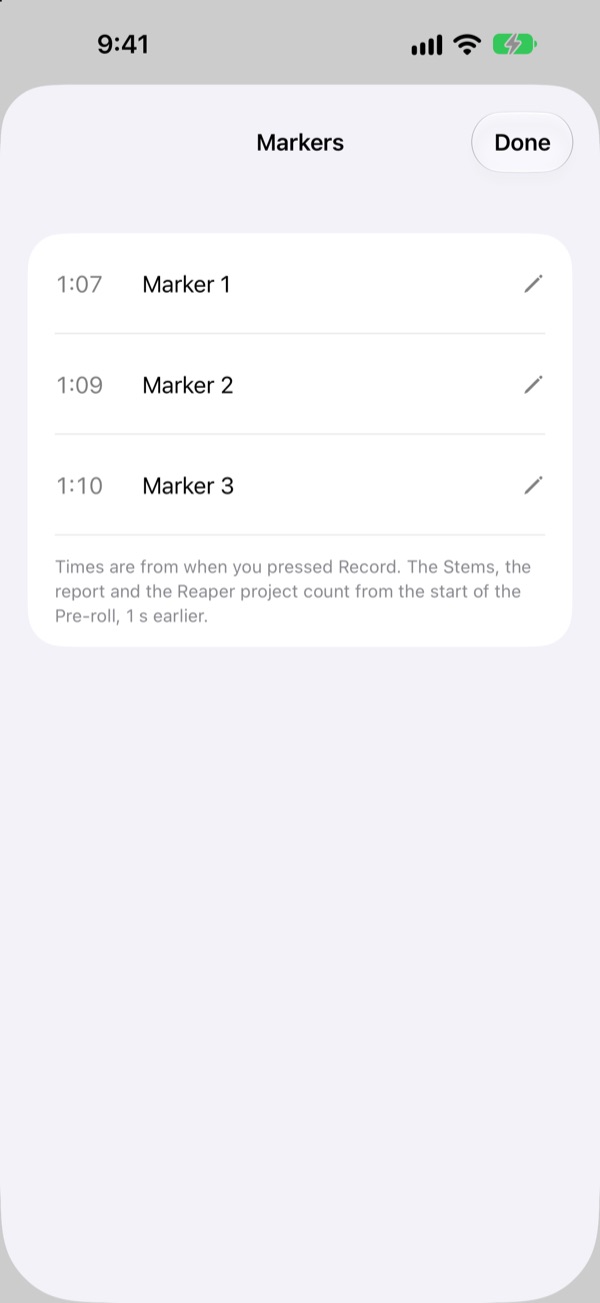
A Take starts with the seconds before you pressed record, so the count-in isn't lost. Tap the flag to mark a song or a moment; Markers go into the files and your DAW project.
Ready to mix
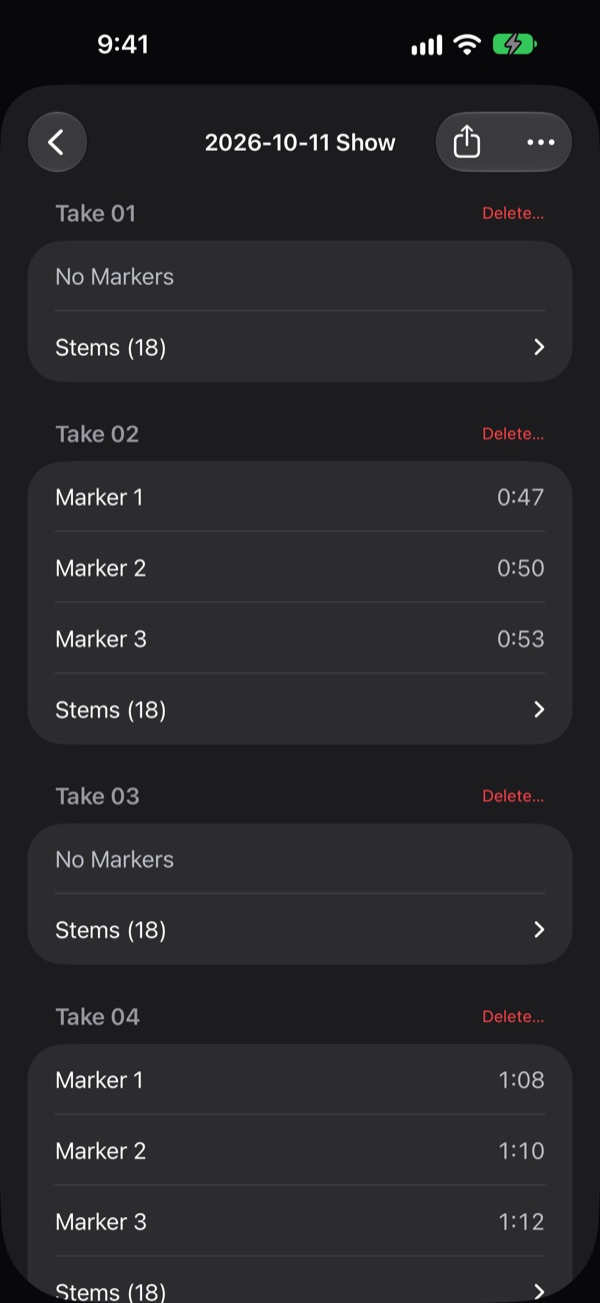
Each Show gets a report (Takes, levels, any Gaps) and a Reaper project with every track and Marker in place.
Templates for each venue
Save a room's setup (channel names, mixer, Show name and Pre-roll) and start a Show from it in one tap.
Built for the stage
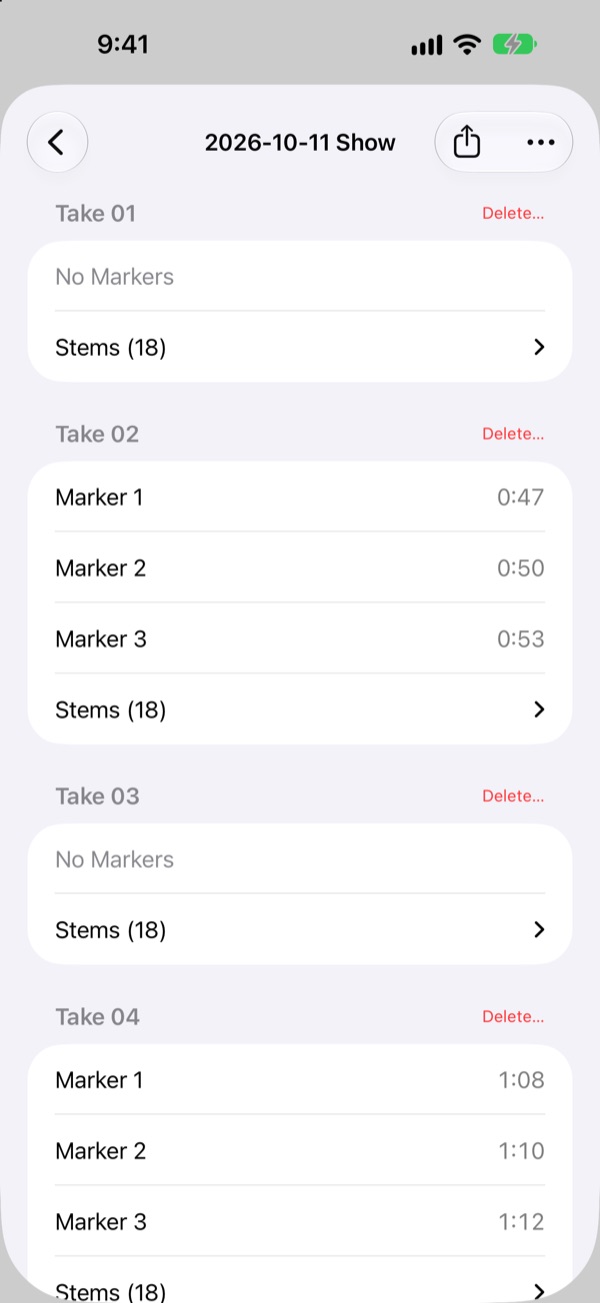
Big level meters with a target band, clip marks you can see across the room, a Sunlight appearance for bright stages and a Dark one for dark rooms. Works with VoiceOver.
What you need
A compatible mixer, an iPhone or iPad, and a cable. A USB drive is optional.
A compatible mixer
A Behringer X Air XR18 or MR18 gives you 18 USB Channels with names and colors. Other class-compliant USB audio interfaces record too, without names.
An iPhone or iPad
A USB-C iPhone (iPhone 15 or later) or an iPad, on iOS 26 or iPadOS 26.
A cable or a powered hub
A USB-C cable connects your mixer. A powered USB-C hub lets the iPhone or iPad charge while the mixer and a USB drive are plugged in.
Storage
About 9.3 GB per hour for 18 channels at 48 kHz. The app shows the recording time left. A USB drive for a second Copy is optional; an SSD works best.
Wi-Fi (optional)
Join the mixer's network to get channel names and colors. No internet is needed.
How a show goes
Plug in
Connect your mixer's USB. ShowRecorder arms it and the meters come alive.
Link the mixer
Open Settings, then Mixer Link, then Find Mixers to get your channel names. Or start from a Template.
Press record
The Take starts with the Pre-roll from before your press. Tap the flag to add Markers as you go.
Press stop
Your Stems, the report and the Reaper project are in the Show's folder, in the Files app and on your Drive.
The Show-Safe Promise
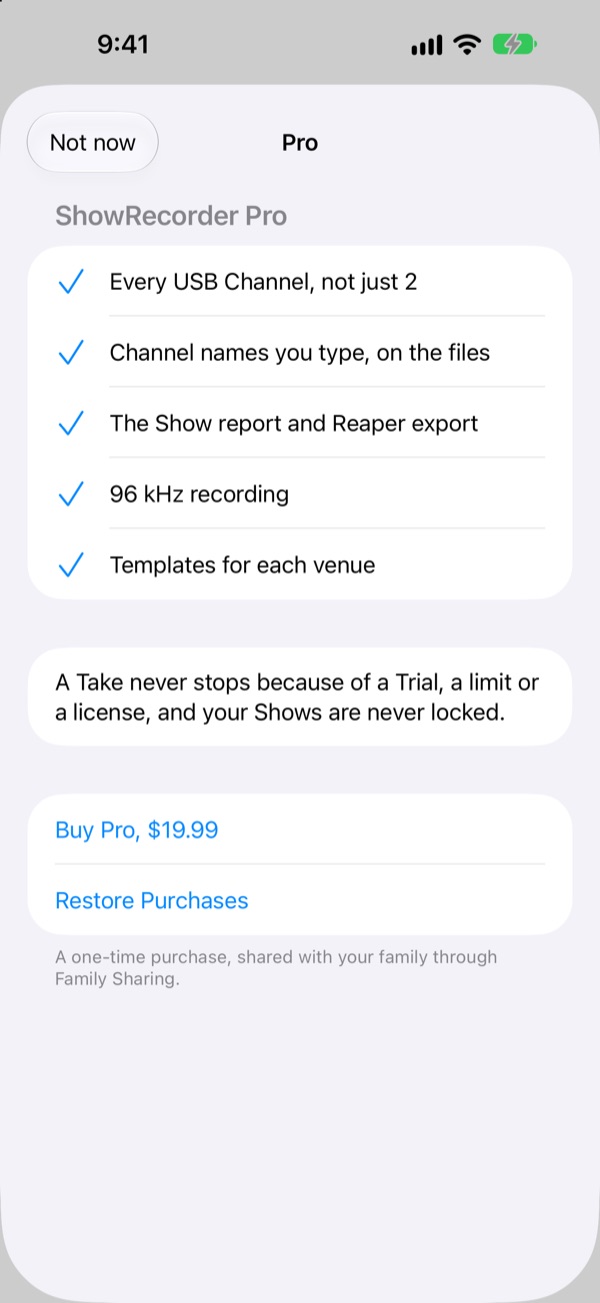
A Take never stops, and your audio is never held back, because of a Trial, a limit or a license. Limits are checked only when you press record. Your past Shows are never locked.
A recording stops when you stop it, or if every place it is writing to runs out of space. Nothing else ends a Take.
Free, Trial and Pro
ShowRecorder is free to download. Try everything for 14 days, then keep Free or buy Pro once.
Free
$0
- Records 2 USB Channels of your choice
- Names and colors from the mixer
- Pre-roll, Markers and a Drive Copy
- Every past Show stays open
14-day Trial
$0 for 14 days
- Everything in Pro, at no cost
- Start it once, at first launch or in Settings
- When it ends, the app goes back to Free; a Take in progress is never stopped
Pro
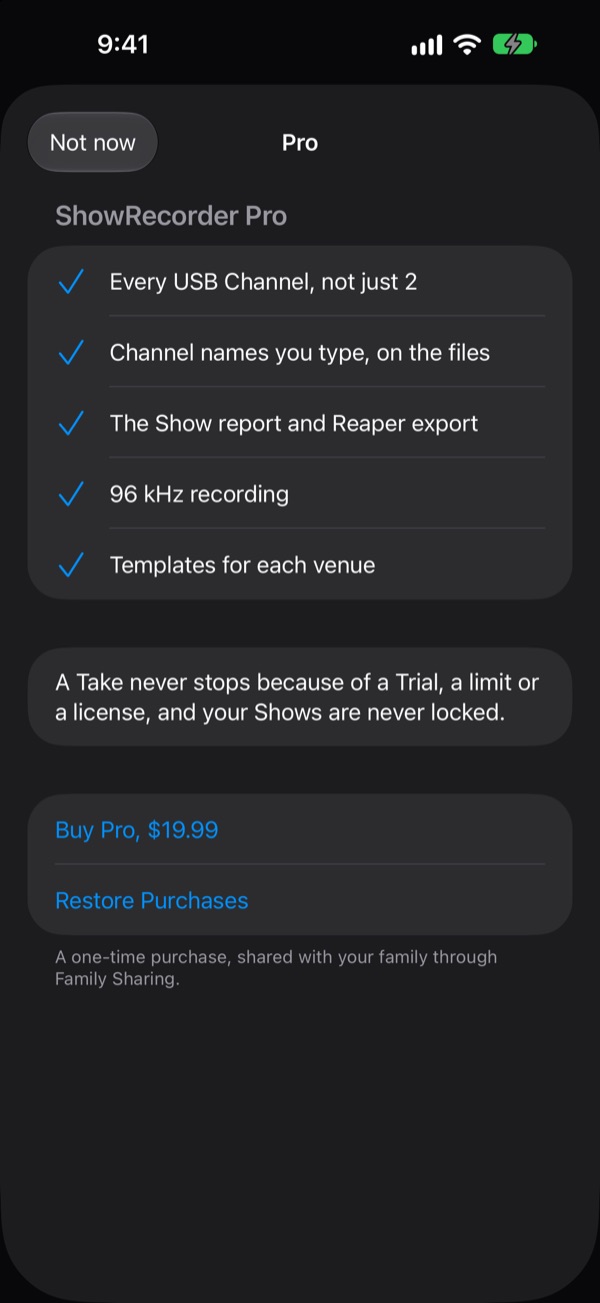
$19.99, once
- Every USB Channel
- Channel names you type, on the files
- The Show report and Reaper project
- 96 kHz recording
- Templates for each venue
- Shared with Family Sharing, across your iPhone and iPad
One-time purchase. No subscription.
Questions
How much space does a Show take?
About 9.3 GB per hour for 18 channels at 48 kHz, on each place it is written to. Fewer channels take less: 2 channels take about 1 GB per hour. The record screen shows the time left on the Device and the Drive.
Do I need an internet connection?
No. Recording needs only the USB cable. Joining the mixer's Wi-Fi adds channel names and colors, and that is a local network, not the internet. Nothing is sent anywhere.
Which mixers work?
The Behringer X Air XR18 and MR18 record 18 USB Channels with names and colors. Other class-compliant USB audio interfaces record every channel they send, without names from the mixer; you can type names with Pro.
Where do the files go?
Each Show has a folder for each Take, with one WAV file per channel, a report and a Reaper project. Open them from Shows in the app, in the Files app (On My iPhone or On My iPad, ShowRecorder), or on your Drive, and share them with AirDrop.
What happens when the Trial ends?
The app goes back to Free: new Takes record 2 USB Channels of your choice. A Take in progress is never stopped, and every Show you recorded stays open, with all its files. You can buy Pro at any time.
Can my family use Pro?
Yes. Pro is a one-time purchase, shared with Family Sharing and across your iPhone and iPad.
Is there a Mac version?
Not in 1.0, which is for iPhone and iPad. It follows right after.
What if the Drive is unplugged during a Take?
Recording carries on to the Device. When the Drive comes back it rejoins, and after the Take the missing part is filled in from the Device Copy.
More answers, step by step, are in the docs.

Record your next Show
ShowRecorder is coming soon to the App Store for iPhone and iPad. Until then, the public beta is open on TestFlight. Free to download, with a 14-day Trial of everything.
Join the public beta on TestFlightQuestions before then? Email showrecorder@ericdahl.dev.